

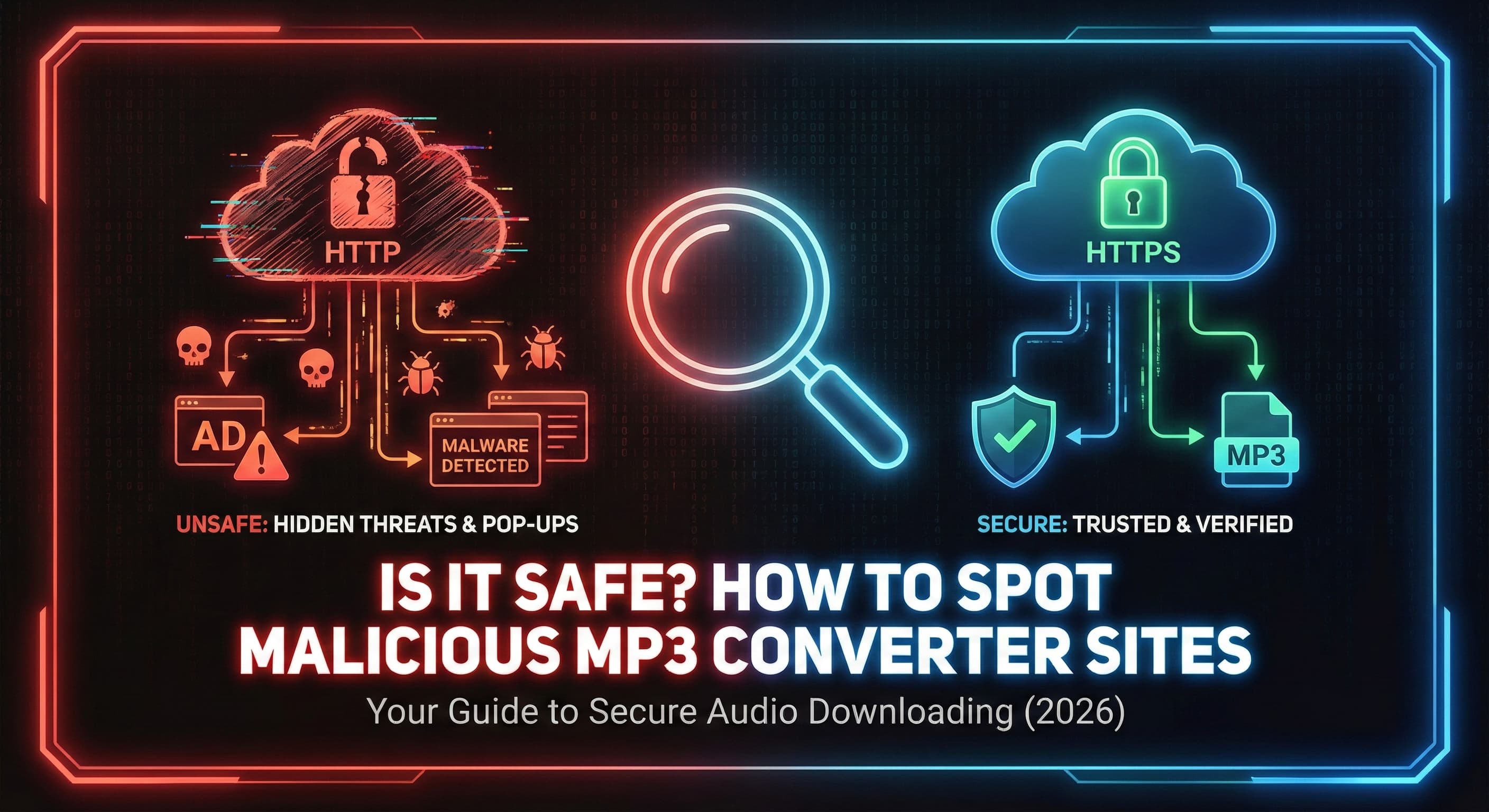
The internet is full of "free" tools, but as the old saying goes: if you aren't paying for the product, you are the product. In the world of file converters, this often means exposing your device to malware, invasive tracking, and predatory ads. We believe safety shouldn't be a premium feature. Here is how to navigate the web safely.
privacy_tipThe Dark Side of Free
Many converter sites monetize aggressively. Without a subscription model, they resort to tactics that compromise user experience and safety. You've likely encountered the "pop-under" (a new window opening behind your browser) or deceptive download buttons.
More dangerous are sites that bundle software. Instead of an MP3 file, you download an .exe or .dmg installer. These often contain adware or browser hijackers that are difficult to remove. A true converter should only ever give you the media file you asked for.
verified_userSoundverter Security Hub
Trust is earned through transparency. We built Soundverter with a "Privacy First" architecture. We don't store your files, we don't track your behavior across the web, and we never redirect you.
Our No-Redirect Promise
- check_boxNo pop-up ads or hidden windows
- check_boxDirect MP3/WAV download links
- check_boxZero installer bundles (.exe/.msi)
- check_box256-bit Encrypted connections
- check_boxFiles automatically wiped after 1 hour
flag5 Red Flags to Watch For
If you find yourself on another conversion site, keep an eye out for these common indicators of malicious intent.
Fake Update Prompts
"Your Flash Player is outdated" is a classic lie. Modern browsers don't need Flash. Never click these updates.
Notification Spam
Sites asking to "Show Notifications" to verify you are human are scams. They will spam your desktop with ads.
Forced Extensions
Be wary of sites requiring a browser extension to function. These can read your browsing history.
Artificial Delays
Sites that make you wait 60 seconds are often just keeping you on the page to serve more ad impressions.
Deceptive "Download" Buttons
The biggest green button is often an ad. Look for smaller, plain text links or buttons that match the site's specific UI design.
httpsWhy SSL Matters
Encryption is Non-Negotiable
SSL (Secure Sockets Layer) ensures that the data between your computer and the server is encrypted. You can spot this by the padlock icon next to the URL in your browser address bar.
Without SSL, your download activity could be intercepted by ISPs or malicious actors on public Wi-Fi. At Soundverter, every connection is HTTPS secured by default.