
The best way to use Soundverter
Faster conversions, built-in search, batch downloads, and full privacy. The desktop app is how Soundverter was meant to be used.
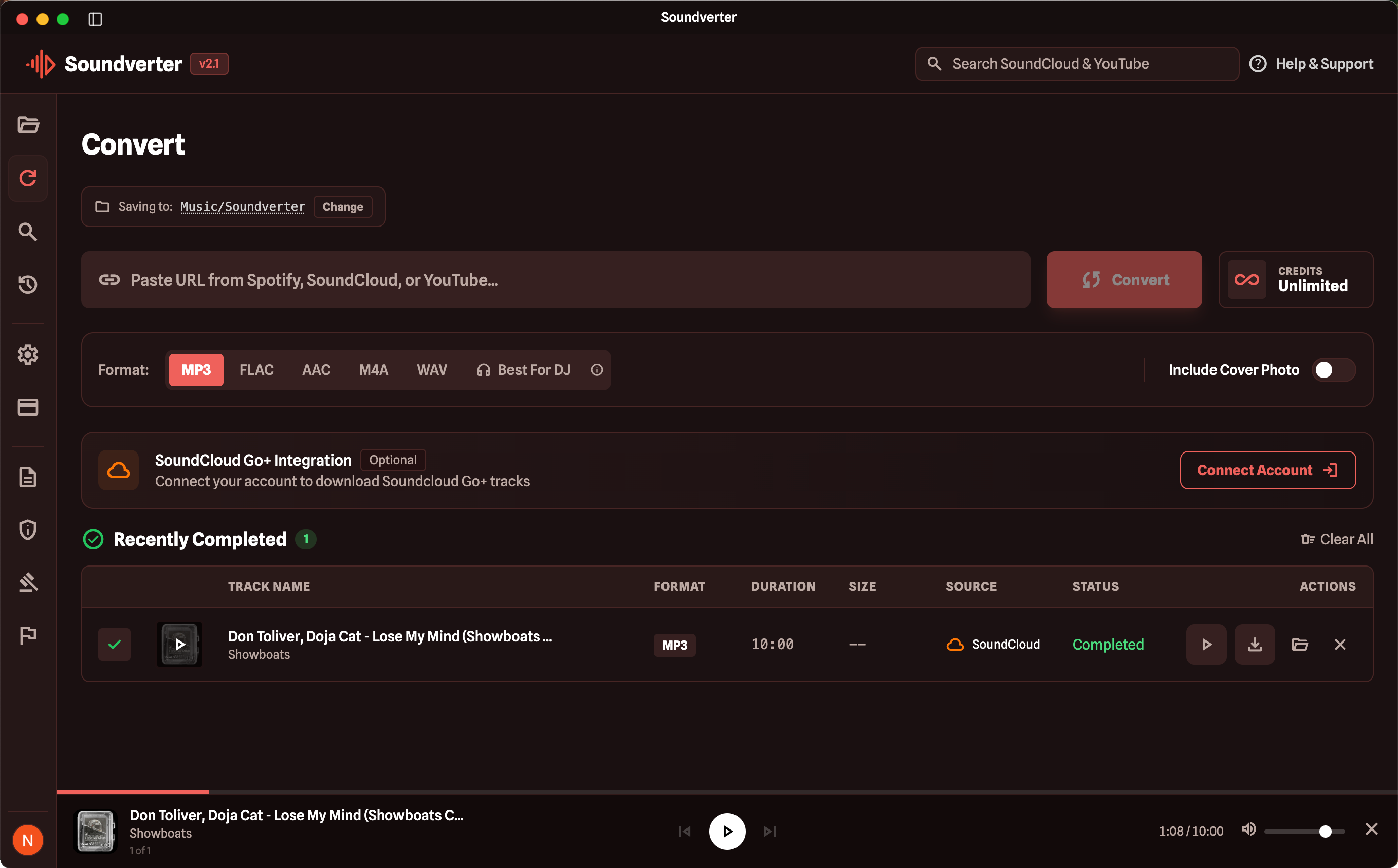
Desktop-Only Features & Benefits
Everything you get when you switch from web to desktop.
3x Faster Conversions
Desktop processing runs locally on your machine, bypassing server queues entirely. Downloads start instantly with no waiting.
Built-in Search
Search SoundCloud and YouTube directly from the app. Find, preview, and download tracks without ever opening a browser.
Playlist Downloads (Desktop Only)
The desktop app is the only way to download full playlists from Spotify, YouTube Music, and Apple Music. Paste a playlist link, and convert every track in one click.
Private & Secure
All conversion happens on your device. No audio data is uploaded to our servers. Your library stays yours.
Built-in Media Player
Preview tracks before downloading with the integrated audio player. Listen, then convert in your preferred format.
No Queue, No Limits
No shared server queues, no throttling. Convert as fast as your connection allows with full credit allocation.
Multi-Platform Support
Download from SoundCloud, Spotify, YouTube Music, and Apple Music all from one unified interface. Playlist support for Spotify, YT Music, and Apple Music is exclusive to desktop.
Full Format Selection
Choose from MP3, FLAC, WAV, AAC, and M4A. Lossless FLAC and WAV available to all paid users on desktop.
Automatic Updates
The desktop app updates itself in the background so you always have the latest features and fixes.
Web vs Desktop
See how the desktop app compares to the web experience.
Ready to switch?
Download the desktop app and get the full Soundverter experience. Your account and credits carry over instantly.